Five starting points
Move from a quiet studio to a warmer editorial scene without writing the entire brief from scratch.
PACKBEAM
AI PRODUCT SCENE
Turn one product image into a considered lifestyle scene with a visual preset, a deliberate crop, and room for your own direction.
PRODUCT PROOFING BENCH
Choose a visual direction and canvas ratio. Add an optional prompt to guide the atmosphere without replacing the product brief.
Cost
Download HD · 3 credits
Original
Press Enter or Space to choose an image.
Options
Preview is a watermarked WebP. HD is a canonical opaque PNG master converted to your selected delivery format later.
Watermarked WebP preview
Review the scene before any credit action. The preview carries a PackBeam watermark.
HD output · 3 credits
HD costs 3 credits and is available after the later claim flow is connected.
Results are retained for 24 hours.
Preview is a watermarked WebP. HD is a canonical opaque PNG master converted to your selected delivery format later.
01
Choose one static JPG, PNG, or WebP up to 15 MB.
02
Pick a local visual preset, choose 1:1, 4:5, or 16:9, and add a short optional direction.
03
Inspect the watermarked preview. Check small product details before publishing or claiming HD.
Local visual studies show the range of directions without pretending they are generated customer results.
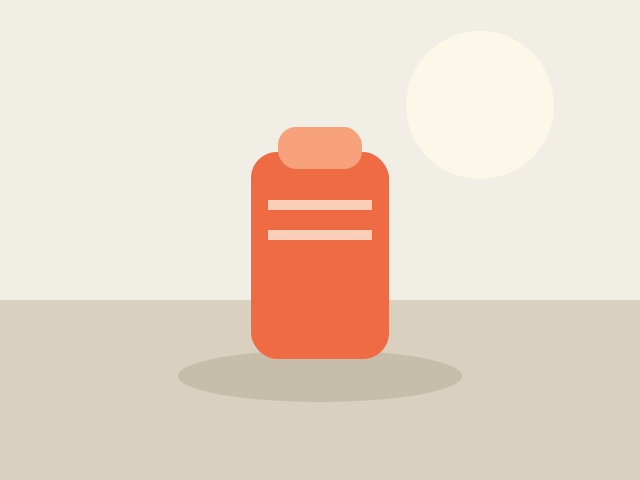
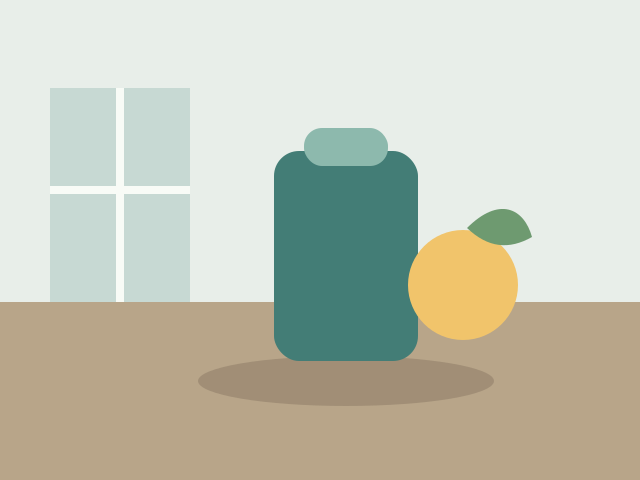

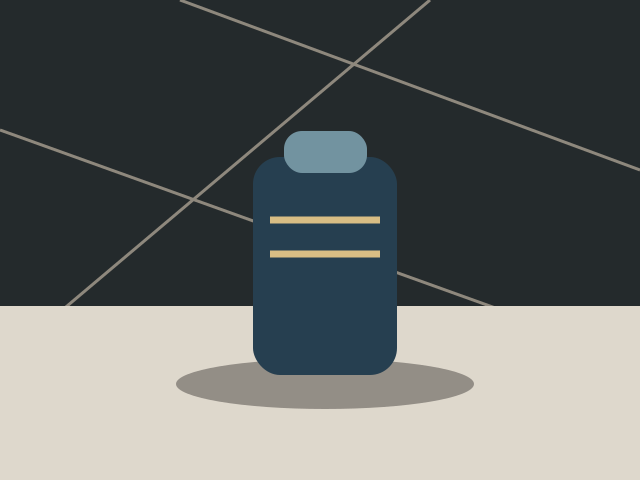

Move from a quiet studio to a warmer editorial scene without writing the entire brief from scratch.
The selected ratio is sent to the provider as a real output size, not just a front-end crop.
A successful scene is decoded, checked for opacity, and normalized to one canonical PNG master.
Give a catalog image enough context to explain how a product fits into daily life.
Explore a few consistent visual directions before a larger shoot or campaign review.
Start with a real portrait, square, or wide canvas instead of cropping after the fact.
AI may alter fine product details, text, logos, or materials. Check the preview and final image before you download, publish, or use it in a campaign.
A scene generator can add context around a product, but it can also change small details. PackBeam keeps the original product as the primary instruction, adds a chosen preset and aspect ratio, and gives you a watermarked preview to inspect before publishing.
Minimal studio, modern kitchen, nature sunlight, luxury marble, and cozy bedroom are server-maintained visual starting points.
Yes. The selected 1:1, 4:5, or 16:9 ratio is passed to the provider as the target size.
Yes. The optional direction is trimmed and limited to 200 Unicode characters. It supplements the product-preservation brief rather than replacing it.
Not always. AI can change small details, so inspect the preview and final image before publishing. No perfect-fidelity promise is made.
Yes. Preview is a watermarked WebP for review before any credit action.
HD download is 3 credits. The claim and download action will be connected in a later task; this page does not render a download button yet.
You can download a result from the task link for 24 hours. Original uploads and generated results may be retained longer for service operation, debugging, and product improvement as described in our Privacy Policy.
Understand how AI generates lifestyle scenes around a product and what to check before publishing.
Guide: What is AI product photography? →Choose a direction, check the preview, and decide whether the scene earns a place in your storefront or campaign.
Try the workbench ↗