
PNG vs JPEG for Product Photos
The basic difference
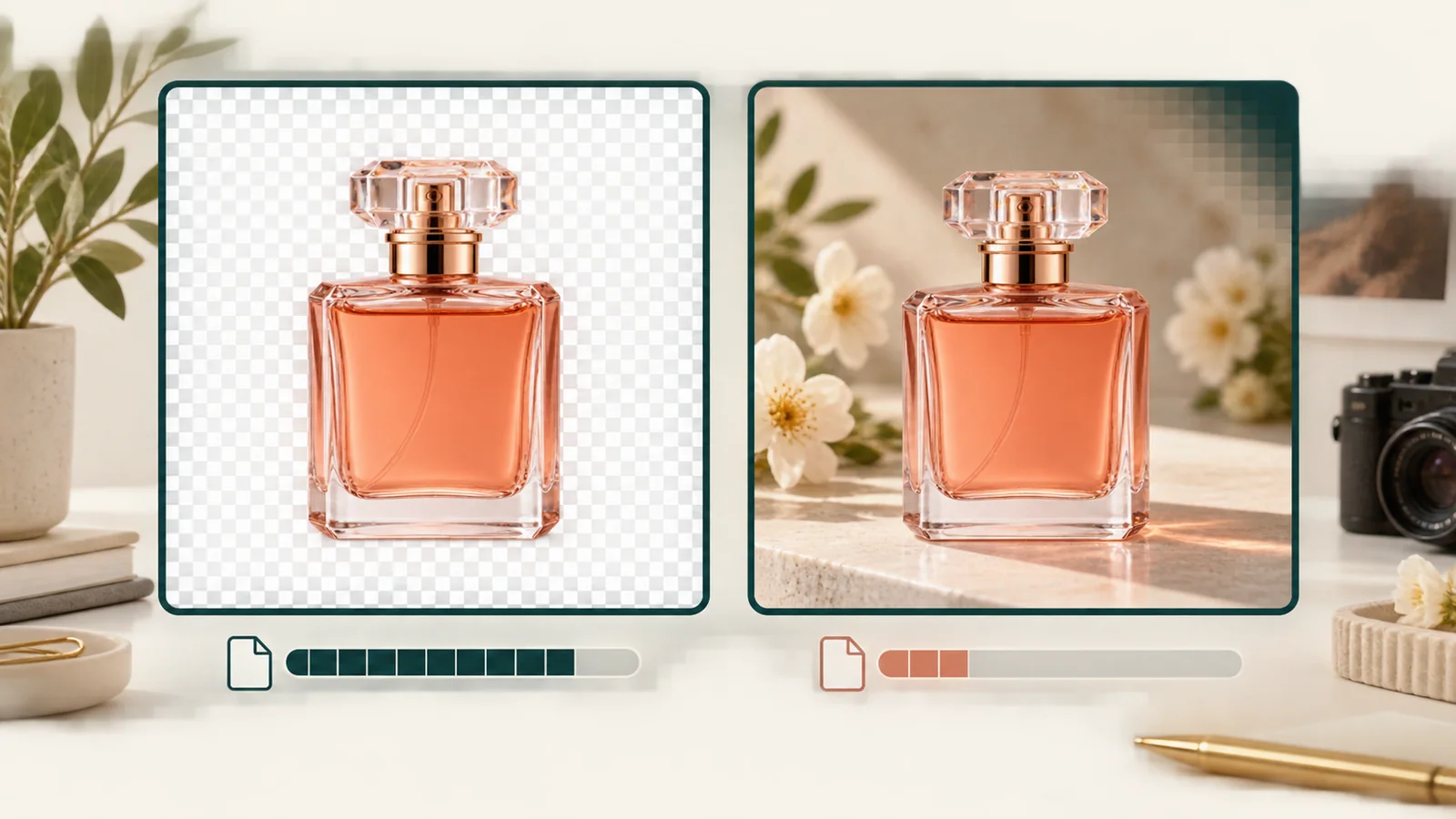
JPEG and PNG are both image formats, but they make different trade-offs. JPEG uses lossy compression, which means it discards some image data to produce smaller files. PNG uses lossless compression and supports transparency, which means it keeps every pixel exactly and can store an alpha channel.
For product photos, the choice usually comes down to three questions: Do you need transparency? Do you need the smallest possible file? And do you need to preserve fine details like text or sharp edges?
When JPEG is the better choice
JPEG is the right format for most finished product photos that will live on a marketplace, a website, or an ad network. The smaller file size loads faster on mobile networks and costs less to store and serve. Modern JPEG compression at high quality settings retains enough detail for nearly all ecommerce use cases.
Use JPEG when the background is opaque, when the photo will be displayed at standard web sizes, and when file size matters. This covers most white-background product photos and lifestyle scenes.
When PNG is the better choice
PNG is the right format when you need transparency or when you are archiving a master file. Transparent PNGs let you place the product over any background without a white box around it. That is why PackBeam's remove-background tool delivers PNG by default.
Use PNG for cutouts, for images with crisp text or logos, and for any file that will be edited again later. Avoid PNG for final web delivery when the image does not need transparency, because the file size is usually much larger than an equivalent JPEG.
The transparency trap
A common mistake is saving every product photo as a PNG "just in case." That habit inflates storage costs and slows down page loads. If the final destination does not support transparency, or if the image will be flattened onto a white background anyway, JPEG is the cleaner choice.
Another trap is uploading a transparent PNG to a platform that converts it automatically. Some social networks and ad managers turn transparent PNGs into JPEGs and fill the transparent area with white or black. If that happens, you lose control over the background color.
Quality settings matter
When you export a JPEG, the quality slider matters more than most people think. A quality setting of 80 to 90 usually gives the best balance between file size and visual fidelity for web use. Below 70, compression artifacts become visible around edges and text. Above 95, the file size grows quickly without a visible improvement.
For PNG, the only meaningful choice is whether to use 8-bit or 24-bit color. An 8-bit PNG is smaller but supports fewer colors. A 24-bit PNG preserves full color but is larger. For product photos with gradients or subtle shades, 24-bit is usually worth the extra size.
A simple decision tree
If the image needs transparency, use PNG. If it will be edited again, use PNG. If it is a final web photo with an opaque background, use JPEG. If it has crisp text or a logo that must stay sharp, lean toward PNG. Everything else can be JPEG.
Choosing the right format is a small decision that affects page speed, storage cost, and visual quality. A little attention here makes a big difference at scale.