
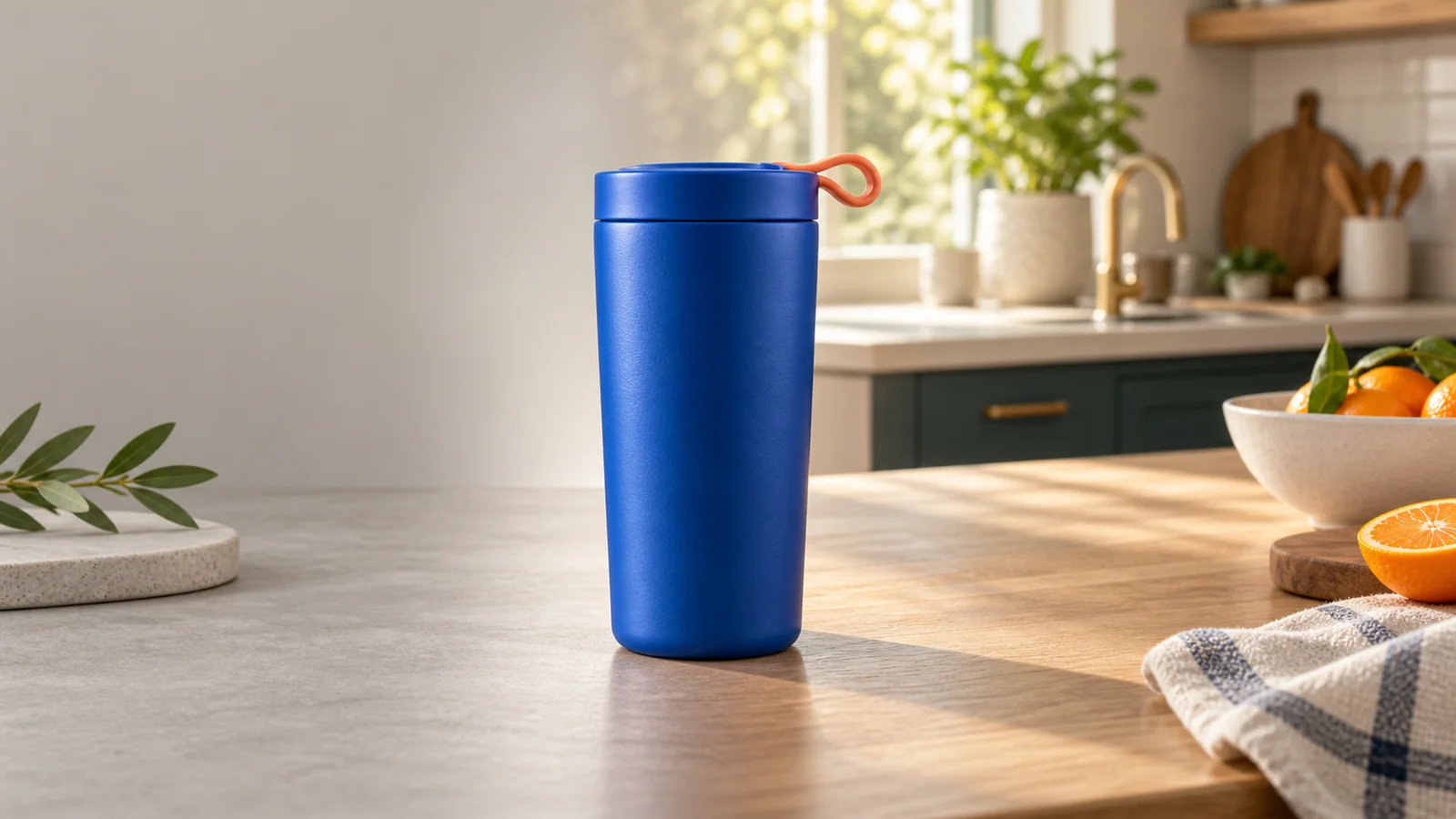
How to Turn a Plain Product Photo into a Lifestyle Image
Why lifestyle images convert
A product on a white background answers "what is it?" A product in a lifestyle scene answers "how would it fit into my life?" That difference matters for social ads, storefront banners, and editorial listings where the buyer is still imagining the product in use.
Lifestyle images do not replace clean cutouts. They complement them. A typical small-seller catalog needs both: a white-background hero for the marketplace, and a lifestyle variation for ads and story-driven pages.
Start with the right source photo
The source photo should show the product from the angle you want to keep. Front-facing and three-quarter views work best. Avoid extreme angles, heavy shadows, or cropped edges. The AI will use the shape, color, and proportions of this photo as its main reference.
If the product has a logo or text, make sure it is readable in the source. The model may not reproduce tiny text perfectly, but a clear starting point improves the odds.
Pick a preset that matches the story
PackBeam offers visual presets such as minimal studio, modern kitchen, nature sunlight, luxury marble, and cozy bedroom. Think of these as starting moods rather than final art direction. A kitchen preset makes sense for food gadgets and containers. A bedroom preset fits linens, candles, and personal accessories. A marble preset elevates cosmetics, jewelry, and premium packaging.
Choose the preset that supports the product rather than distracting from it. The product should remain the brightest, sharpest, or most central element in the frame.
Add a short direction, not a novel
A concise direction helps the model understand the atmosphere. Describe the lighting, the material nearby, or the time of day. Keep it under 200 characters. Long, detailed prompts can conflict with the product-preservation brief and produce inconsistent results.
Good examples: "soft morning light on a wooden table" or "clean marble surface with gentle shadows." Avoid instructions that ask the model to change the product itself.
Choose the canvas shape for the channel
A 1:1 square works for Instagram feeds and most marketplace thumbnails. A 4:5 portrait works for Pinterest and mobile storefronts. A 16:9 wide works for hero banners and website headers. Picking the ratio before generation is better than cropping later, because the AI can compose the scene for that shape.
Inspect the result like a buyer would
Before publishing, check whether the product still matches the original. Then check whether the scene looks believable. Are the shadows consistent? Does the scale feel right? Is the product the clear focal point? If anything feels off, generate another variation or adjust the source photo.
Lifestyle images can lift conversion rates, but only when they feel authentic. A careful workflow turns a plain product photo into a scene that helps shoppers say yes.